Free AI Gantt Chart Tools: What "Free" Really Means and How to Choose
Ganty Team
Search for a "free AI Gantt chart" and you'll find plenty — but "free" means very different things across tools. Is it a time-limited trial or free-forever? Are there seat or feature limits? Can you export what you make? Miss this and you'll hit "actually, it's paid" right after you start. Here's how to tell them apart, plus options that truly let you begin free.
The fine print behind "free"
- Time-limited trial: ends after, say, 14 days, then it's paid. "Free" often doesn't mean forever.
- Seat / project limits: one user or one project; using it as a team means paying right away.
- Feature locks: dependencies, export, or sharing gated to paid plans.
- What "AI" means: some tools just insert a template and don't generate a plan from a prompt.
Four things to check in a free AI Gantt tool
- Free-forever, or a trial?
- Does the AI actually generate a plan (one line → tasks, dates, dependencies)?
- Can you edit, share, and export what you make — within the free tier?
- Can a team (multiple people) use it free?
Option 1: A free-forever AI Gantt (Ganty)
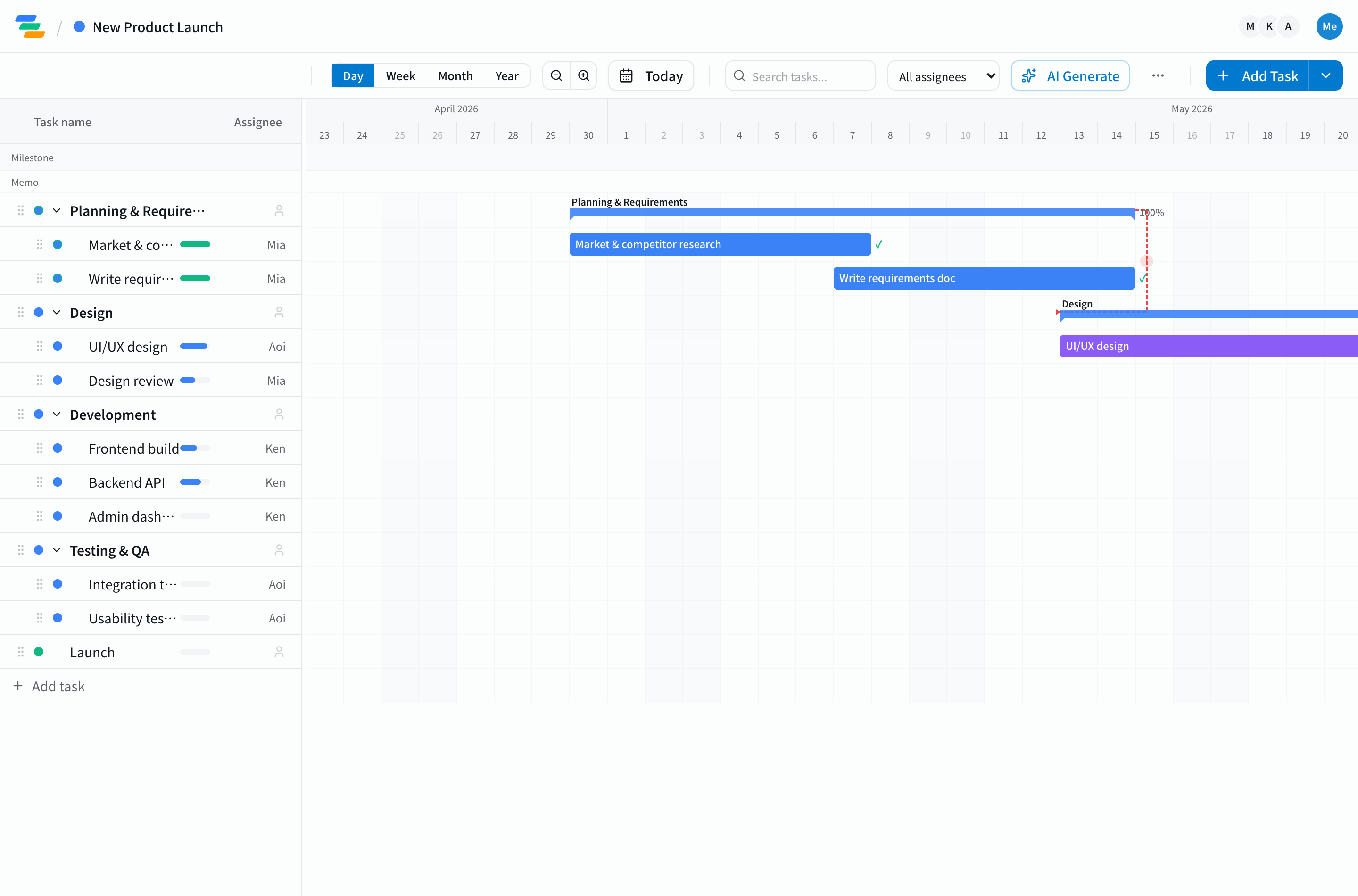
Ganty is free-forever for up to 3 members and generates a Gantt from one line with AI (how). MCP integration — operate it from Claude — is free on every plan. URL sharing and printing are free; some outputs like Excel/CSV export are on paid plans. Try your own project in one line in the no-signup demo.
Option 2: Draft it in ChatGPT
ChatGPT and GPTs can draft tasks from a prompt. But that chart stays locked in the chat — weak for editing, sharing, and team management. The practical move is to paste the draft into Ganty and turn it into an editable Gantt (Gantt with ChatGPT).
Option 3: Free templates (Excel, etc.)
Free Excel templates are classic, but recalculating dependencies and sharing become manual work. See the limits in our free template guide.
Takeaway
"Free" hinges on free-forever vs trial, seat limits, and whether the AI truly generates. If you want free-forever plus real AI generation, Ganty is a strong pick. For the wider landscape, see our AI Gantt chart tools comparison.
Related Articles
The Best AI Gantt Chart Tools in 2026: Claude MCP, ChatGPT, and Specialized Platforms Compared
The 2026 buyer's guide to AI Gantt chart tools. Compare 9 platforms across Claude MCP, ChatGPT, Asana AI, Monday AI, and Microsoft Project Copilot — with team-type recommendations, setup cost, and the AI features that actually move the needle.
2026-09-16GanttPRO Alternative: An AI-First Gantt Chart You Can Start Free
Looking for a GanttPRO alternative? GanttPRO is a polished paid tool, but it's per-seat with no free-forever plan, and it doesn't generate a plan from a prompt or connect to an AI assistant (MCP). Here's an honest comparison with Ganty, which builds a Gantt from one line, starts free, and can be operated from Claude.
2026-03-28Free Gantt Chart Templates: How to Choose, Use, and Know When to Move Beyond Them
A complete guide to free Gantt chart templates -- types, selection criteria, best practices, and when to upgrade to a dedicated tool.