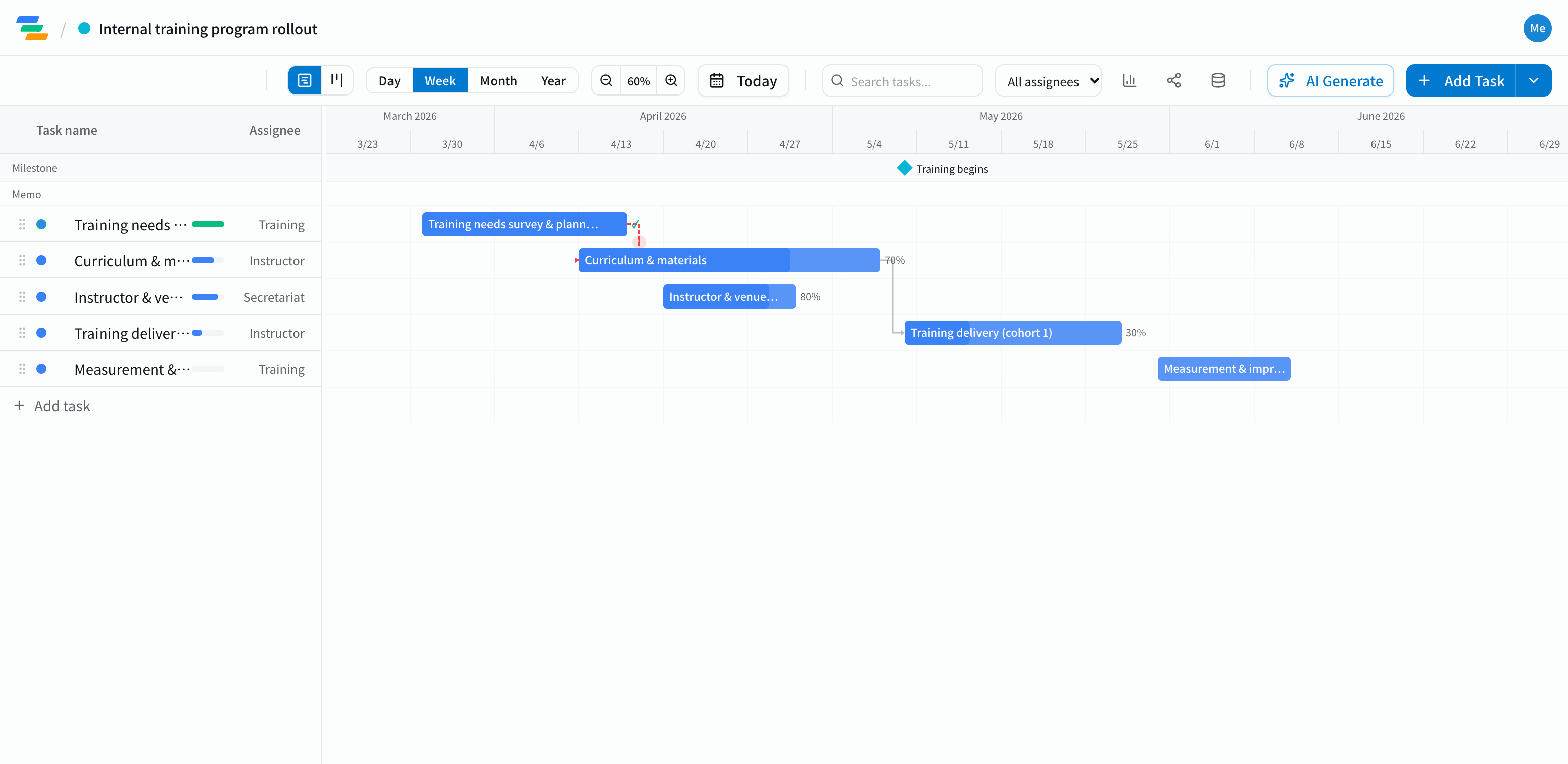
The main phases of a training program
Onboarding, leadership courses, e-learning rollouts or school courses all follow a similar flow.
- Needs assessment and planning: who needs to learn what, goals, budget and timing
- Curriculum and materials: structure, slides, exercises, assessments
- Trainers and venue: booking trainers, scheduling, preparing the room or online setup
- Participant communication: invitations, collecting registrations
- Delivery: running each cohort or session. Mark the first session as a milestone
- Evaluation: surveys, checking understanding, improving the next cohort
Put the first session down as a milestone and work backward
Place the first session as a milestone, then lay out the work backward from it. How far ahead materials must be finished, and when trainers need to be confirmed, become clear.
Link the steps with arrows and you can see, for example, how far materials and invitations slide when curriculum approval runs late. If something won't make the start date, you find out early enough to act.
Compared with a spreadsheet plan
- Changes: in a spreadsheet you recolor each shifted cell; in Ganty you move one bar and the rest follow
- Sharing: send a share link and trainers or other departments see the latest plan without an account (view-only, on every plan)
- Export: export to Excel or PDF for approvals and reports (Standard and above)
Draft the plan with AI
Write one line such as "Training for new managers, first cohort in April, three sessions" and the AI drafts a plan with phases, durations and dependencies. Treat it as a starting point and adjust it to your approval process and trainers' availability. You can also ask the AI to review it and flag unrealistic dates.
Getting started
- Sign up free and have the AI draft a plan from one line (or start from an empty project)
- Place the first session as a milestone, adjust phases, dates and owners, and link them with arrows
- Send a share link to trainers and stakeholders. When plans change, just move the bar
Before signing up, you can also try the sample plan on this page with "Try the demo".