Most schedules that fail weren't ruined by the way the work went. They were already broken on the day they were drawn. A plan can look perfectly tidy as a Gantt chart and still have no chance of hitting its date, because the chart doesn't tell you whether that work can happen in that order, by those people, in that time. Here are seven checks you can run in about 15 minutes before you commit a date to anyone — and how to have AI run the first pass.
Contents
Why a schedule can look right and still miss
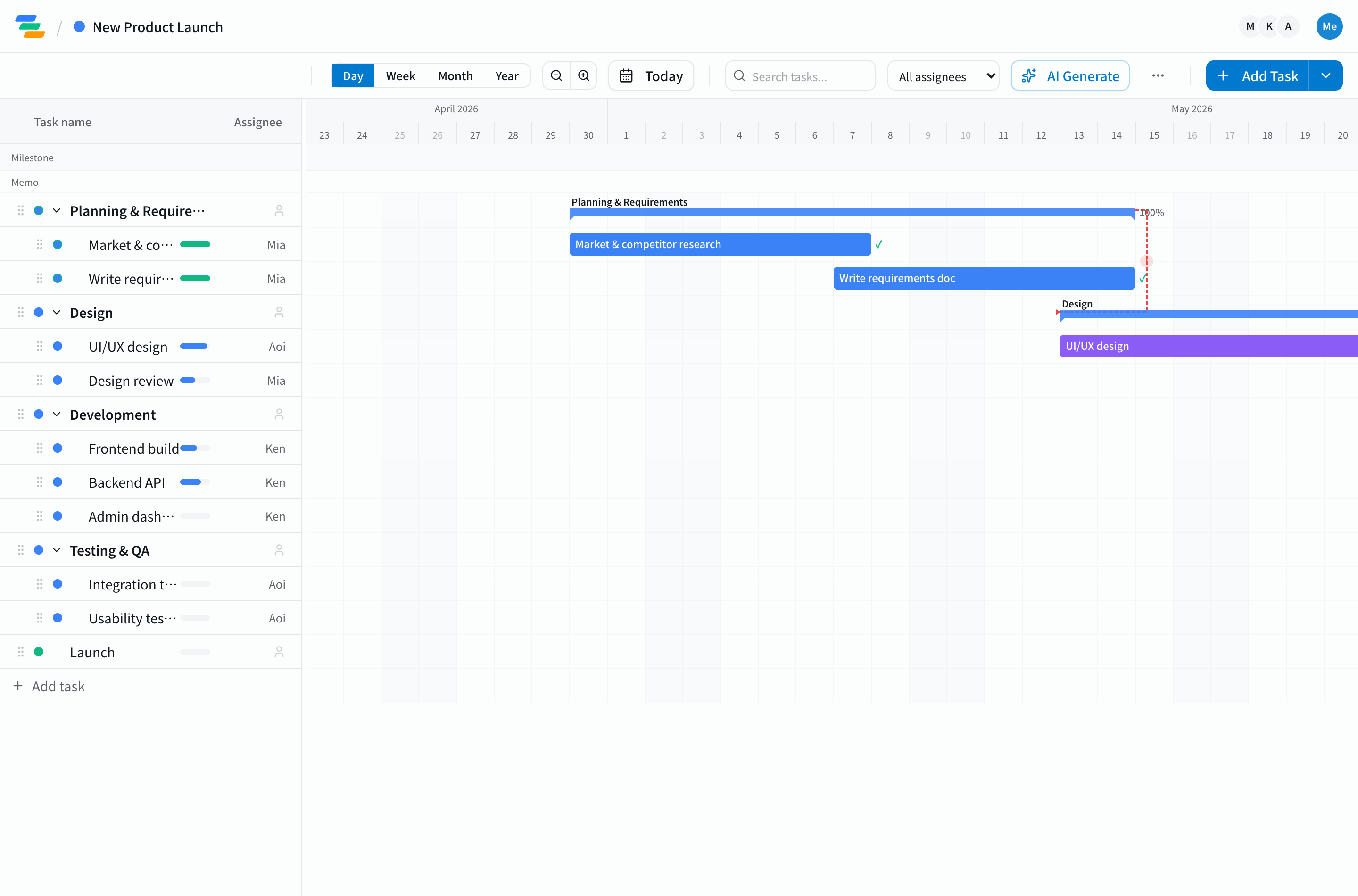
A Gantt chart shows bars. It doesn't show whether those bars can actually happen in that order, by those people, in that time. Unrealism usually hides in three places: work that looks parallel but is really sequential, one person holding five tasks in the same week, and durations chosen to fit the deadline rather than estimated. The checks below go after exactly those three.
The 7-point check
1. Every task has exactly one owner
A task without an owner is a task nobody starts. "The team" is not an owner. If you can't write a name next to it, the task isn't ready to be scheduled.
2. The order is written down as dependencies
If implementation can't start until design is done, that has to exist as a recorded dependency — not just two bars placed one after the other. Without it, when design slips, the chart keeps showing implementation starting on time, and the plan quietly turns into fiction (see managing task dependencies).
3. You know the critical path — and it has slack
The critical path is the chain of tasks where any delay moves the finish date. If you don't know which tasks are on it, you can't protect them. If it has zero slack, the plan only works if nothing goes wrong (see the critical path method).
4. Nobody is double-booked
Scan by person, not by task. A designer with three overlapping tasks in the same week isn't "busy" — the schedule assumes they can be in three places at once.
5. Durations are estimated, not back-calculated
A classic failure: start from the deadline, divide the remaining weeks among the phases, and call it a plan. Instead, estimate each task from how long similar work took before. For uncertain work, think in optimistic / likely / pessimistic terms and plan between likely and pessimistic.
6. There's a buffer before the date that matters
Padding every task a little doesn't work — the padding gets used up. Put the buffer in one block before the milestone you promised externally. A common rule of thumb is 10–20% of the critical path's length, more for work you've never done before.
7. Non-working days are counted
Public holidays, company closures, and vacations shorten the calendar for real. A 10-day task that crosses a holiday week is not 10 working days. Check the calendar of every country your team works in.
Red flags you can spot in 30 seconds
- Several tasks end on the same day as the deadline
- A long single task, such as "Development: 6 weeks", with nothing broken down under it
- Phases that overlap heavily with no dependency between them
- The final testing phase is shorter than any build phase
- No milestones between the start and the finish
Having AI run the first pass
You can do every check above by hand. You can also have AI do a first pass. Ganty's AI schedule analysis reads your Gantt chart — tasks, dates, dependencies, and owners — and flags overlapping tasks, dependency conflicts, the critical path, unrealistic durations, delay risk, bottlenecks, missing buffer, and single points of failure, then scores the project's health from 0 to 100.
It's available on every plan, including Free (per month: Free 1, Standard 5, Pro 30, Business 100). Dependencies and the critical path are calculated exactly on the server rather than guessed by the model (why that matters), so the numbers the analysis reasons from are correct.
Treat the output as a reviewer's comments, not a verdict: it tells you where to look, and you decide what to change.
Takeaway
A realistic schedule has owners, written-down dependencies, a known critical path with slack, no double-booking, estimated durations, a buffer before the promised date, and a real calendar. Run the seven checks before you share a date — or let AI run the first pass. Draft a plan with AI in the no-signup demo, then sign up free to run the analysis on it.
Related Articles
Critical Path Method (CPM): How to Calculate, Write, and Apply the Critical Path with Examples
How to find, write, and apply the critical path with worked numerical examples. Covers forward pass, backward pass, total float, CPM theory, Gantt chart visualization, and schedule compression techniques.
2026-03-29How to Manage Task Dependencies Effectively and Prevent Cascading Delays
Learn how to set up and manage task dependencies correctly to prevent cascading delays and keep your project on schedule.
2026-03-25Project Delays: Root Causes and Proven Countermeasures to Protect Your Deadlines
Classify the five root causes of project delays and learn specific countermeasures, early warning signs, and recovery techniques backed by real data.